
CLEAR Get the extension

A little less noise. A little more clarity.

Make the internet
feel clearer.

CLEAR is a free browser extension that does two things well. It covers the flashing, moving and interrupting parts of a page with calm fog, and it explains hard words and sentences in plain language when you ask.

Nothing here needs an account. Your settings stay on your device.

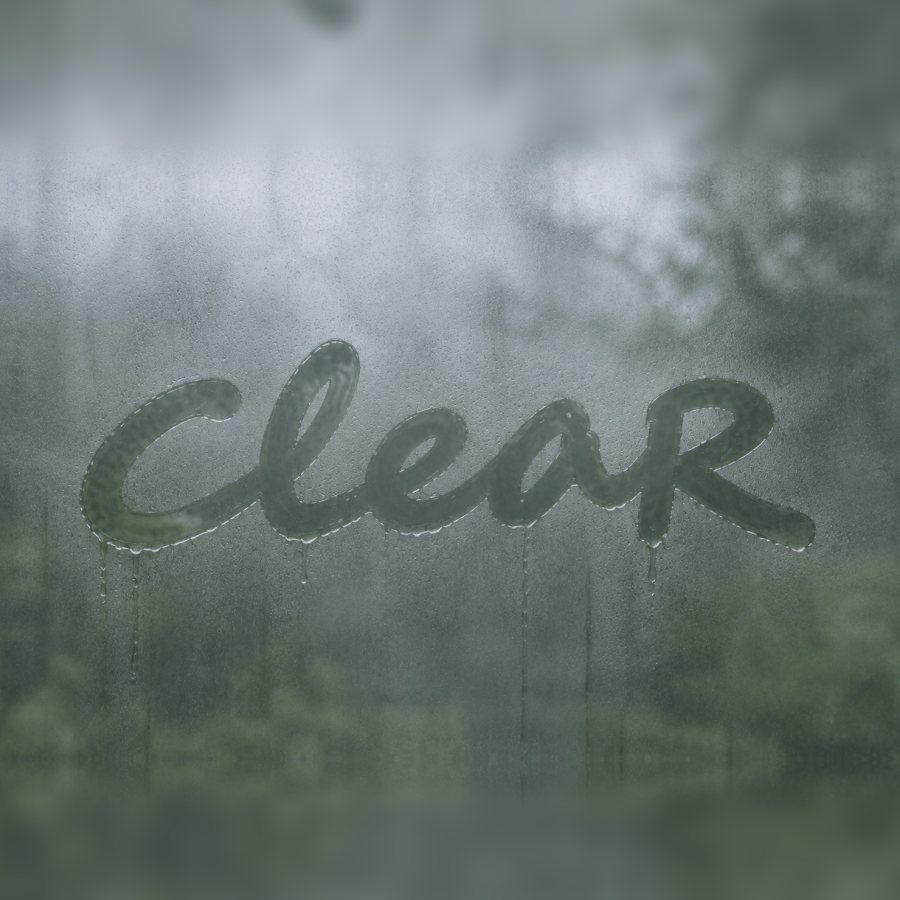
Click the glass to watch it being written again.

Why CLEAR

Busy pages are tiring.
You decide what comes into focus.

Many websites compete for attention with ads, autoplaying video, animated images and pop-ups. Others are written in language that is harder than it needs to be. CLEAR is for anyone who finds that draining.

01 · Visual calm

Cover the noise.

Ads, sponsored posts, GIFs, videos, pop-ups and (if you want) other images are hidden behind a soft sage-and-cream fog. The cover is fully opaque, so no colour or movement leaks through. Wipe it with your mouse like condensation on a car window to reveal only what you choose.

02 · Clear language

Make words make sense.

Select any text on a page and choose Explain with CLEAR. You get a short, plain-language explanation that keeps the original meaning, plus a few of the hardest words defined. It uses an AI service, and only the text you select is sent, only when you ask.

A hands-on introduction

Try a little CLEAR.

Three short steps, right here, before you install anything. Everything on this page is a safe practice area.

Turn on the fog.

This practice page is full of distractions. Switch each kind on or off and watch it disappear behind the fog. Nothing underneath shows through.

Cover these
Step 1 of 3

Make it yours

Your browsing,
your boundaries.

Choose what CLEAR covers and how you reveal it. Changes save instantly.

CLEAR is

Turn all filtering on or off.

What should be covered?
When should content be covered?
Fog colour

Whatever colour you pick, the cover is always fully opaque.

Wipe brush
Text help

Install

Add CLEAR to Chrome.

Works in Chrome, and in other Chromium browsers such as Edge and Brave. CLEAR is an early release and is installed by hand until it is published in the Chrome Web Store.

  1. Download and unzip. Download CLEAR (.zip)Unzip it somewhere you will keep it, such as Documents.
  2. Open Chrome’s extensions page. Type chrome://extensions into the address bar
  3. Switch on Developer mode using the toggle at the top right.
  4. Click “Load unpacked” and choose the folder named extension (the one containing manifest.json).
  5. Pin CLEAR. Click the puzzle-piece icon, then the pin beside CLEAR. Open any website and click the CLEAR icon to start.

Good to know

  • Shortcuts. Alt+Shift+C turns CLEAR on or off. Alt+Shift+E explains selected text. You can also right-click selected text.
  • Synced preferences. With the extension installed, the settings above and the extension stay in step automatically.
  • Privacy. Covering happens entirely on your device. Text is only sent for explanation when you ask for it, and is not stored.
  • Removing CLEAR. Go to chrome://extensions, find CLEAR and choose Remove. You can also pause it on any one website from the CLEAR popup.
  • Honest limits. CLEAR can’t see inside every embedded frame or detect every ad. If something slips through, wipe it, or pause CLEAR on that site.